Introduction
This article presents an alternative modelling process for the trawler hull described in the previous post. This time the 3D CAD software used is FreeCAD, which requires a different approach compared to FreeShip and introduces new challenges.
Methods
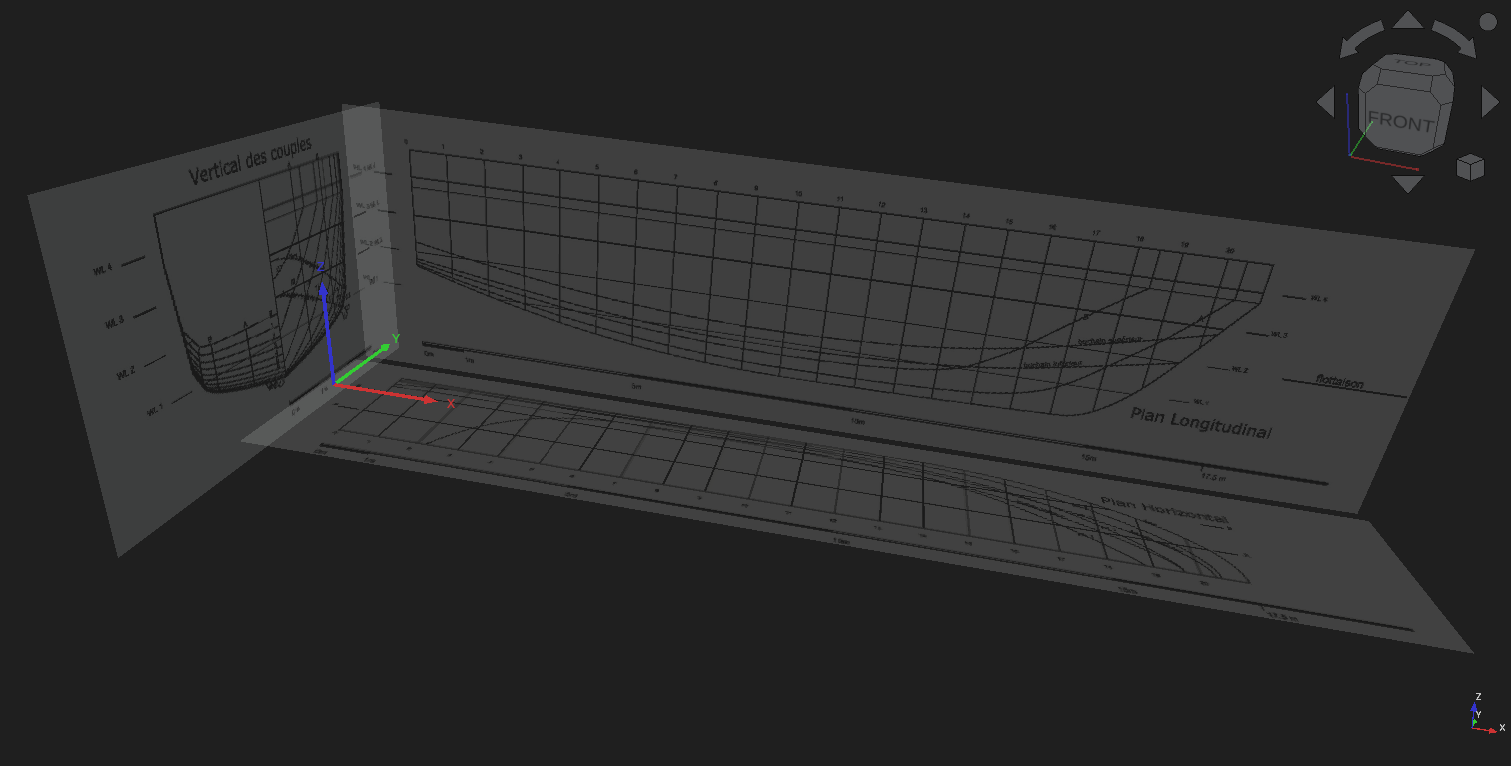
Just like in FreeShip, the modelling process in FreeCAD starts with importing the lines plan images to each corresponding plane, as displayed in the figure below. The images are scaled properly and aligned in a way that the intesection between the baseline and the vertical through the transom is coincident with the origin of the global coordinate system. In addition to that, all the images are slightly displaced in the direction of their normals so they don’t block the curves and surfaces to be drawn.
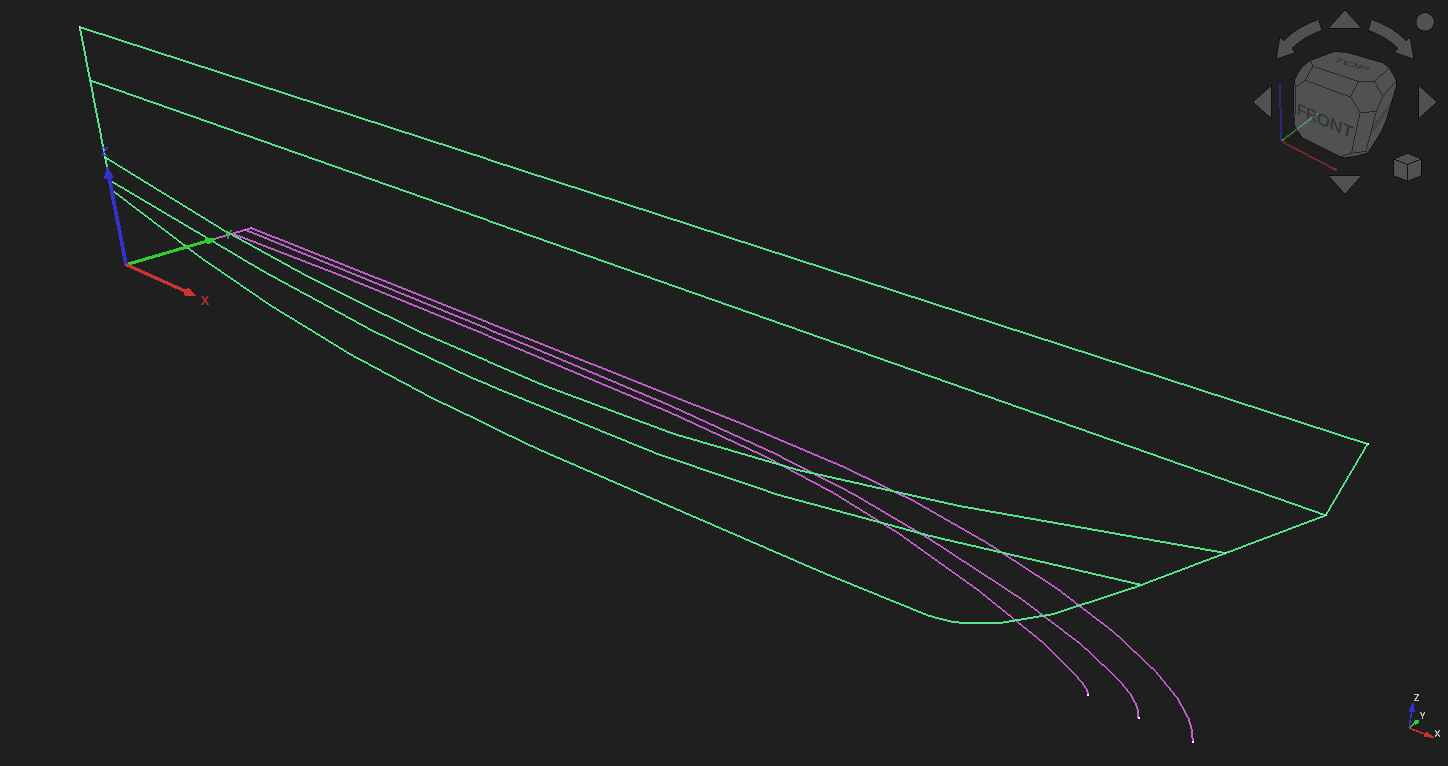
Next, we draw the edges of the hull in the sheer and half-breadth planes, respectively displayed in green and magenta in the following picture.
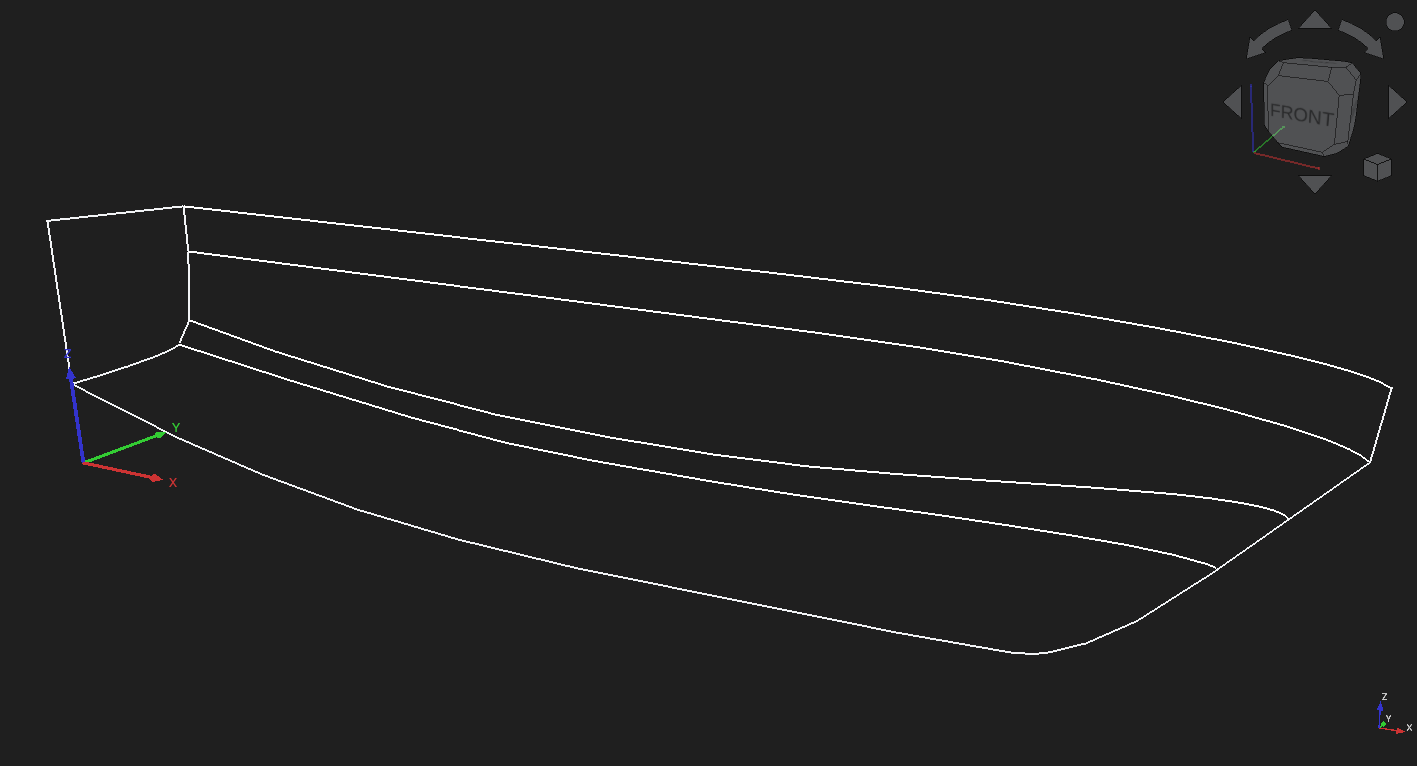
Now these curves are extruded and the resulting surfaces are intersected with the section tool to obtain the edges in three-dimensional space, as depicted in the image below.
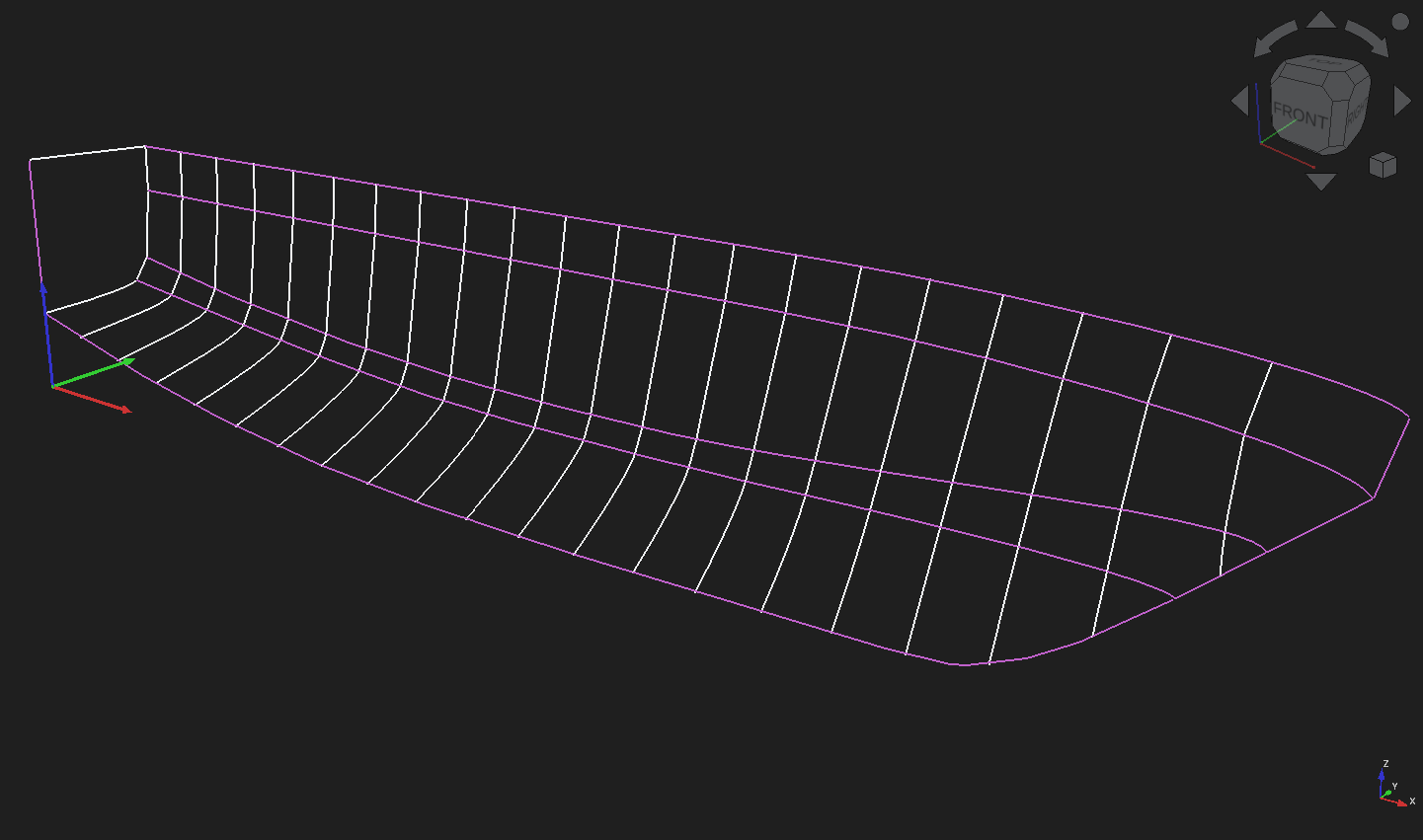
The edges make the structure where the stations are drawn, one by one, using lines and B-splines, and making sure they connect the points where the station planes intersect the edges. With the stations completed, all the curves make up the ship’s skeleton, which looks like this:
The last step is using the curves to create the surfaces that make up the hull. Some of these surfaces are guaranteed to be developable, because the stations that make them are straight lines. They are created with the Ruled Surface tool and are marked with the blue color in the image that follows. The transom is also a planar surface, but just like the other surfaces marked with yellow color, it was made with the Filling tool. This tool allows the addition of stations as constraints, which gives the resulting surfaces a non-developable curvature.
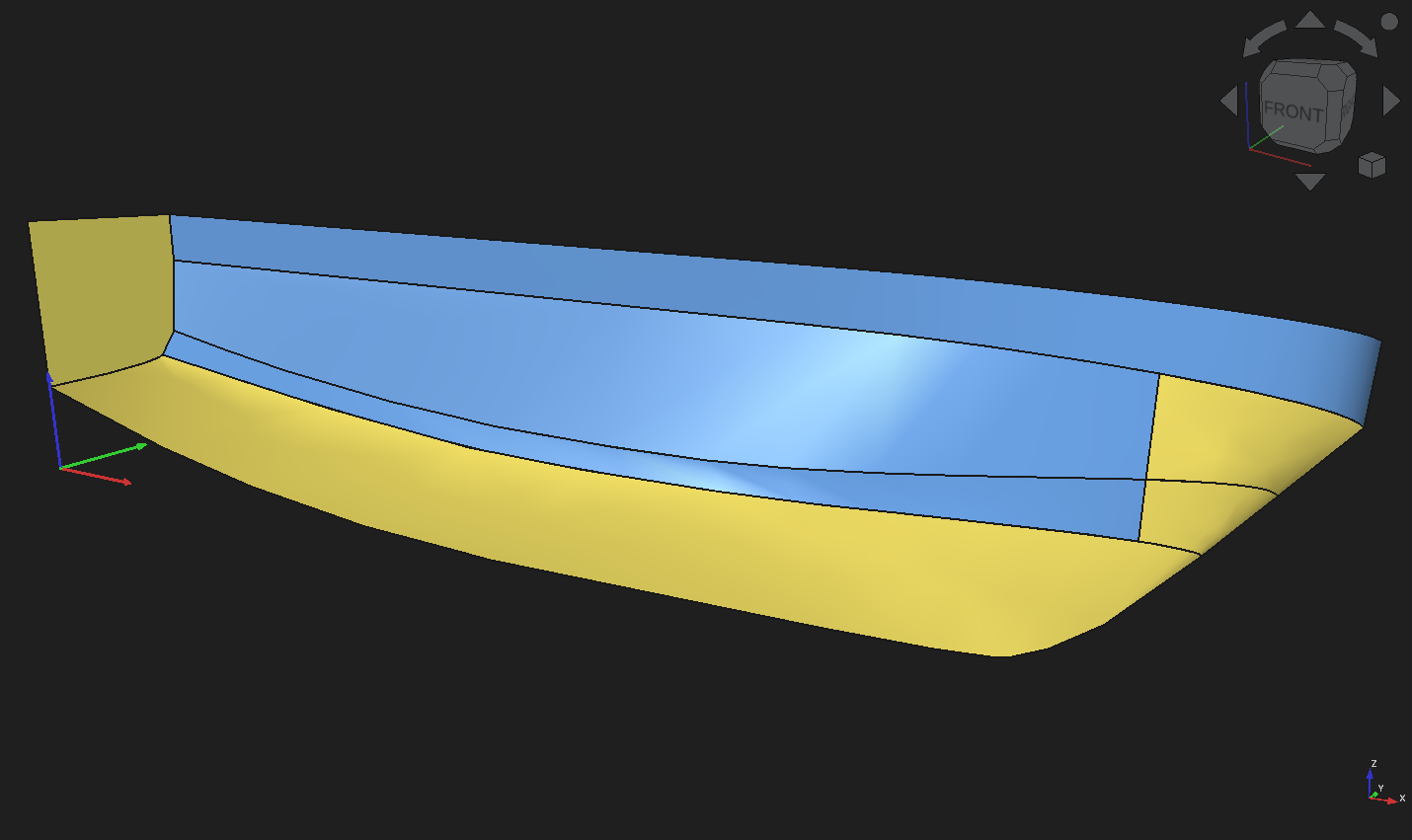
To create the two yellow surfaces of the bow, it was necessary to split the edges, which was done with the Slice Apart tool.
Results
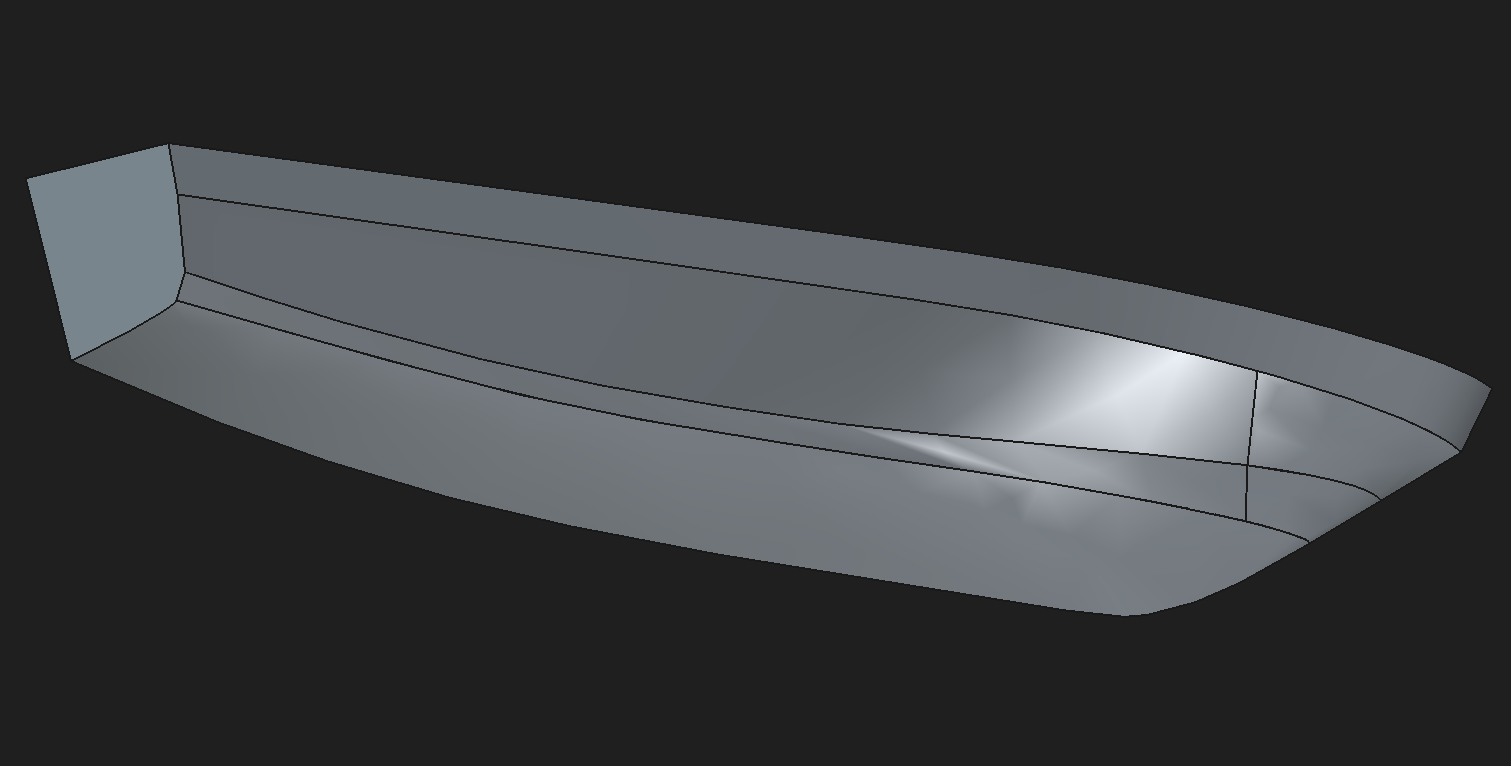
Unfortunately, FreeCAD does not have tools for surface analysis, neither it’s possible to export its geometry to be analysed in FreeShip. So all that remains to show here is the resulting surface, which looks nice.
Conclusion
FreeCAD modelling approach is completely different from that used in FreeShip. In FreeCAD, the reference lines plan works like a contraint: you first draw the curves, then you use them as contraints to build the surfaces. In FreeShip, the lines plan is the goal: you tweak the control points until you achieve the desired shape. In this sense, FreeShip feels like an optimization problem, which can be quite boring, since the tweaking has to be done manually. In FreeCAD, if too many contraints are given, the output surfaces can look terrible, and if too little contraints are used, the resulting surfaces don’t follow the desired reference.
Despite FreeCAD being a modern and constantly maintained software, its surface modelling tools are very limited, even with extensions, like the Curves Workbench. Also, surface creation is very unstable, slow and prone to crashes. On the other hand, as time goes on, FreeShip becomes more incompatible with modern machines. For future articles, I’ll try to stick, as much as possible, to the modern and maintained FreeCAD. But I’ll return to FreeShip whenever FreeCAD is unable to provide what I need.
References
- FAO. 2026. Fishing Vessel Design Database (FVDD). Trawler - 17.5m. In: Fisheries and Aquaculture. Retrieved from https://www.fao.org/fishery/en/vesseldesign/mar-17